
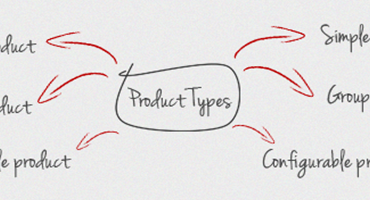
Magento provides users with different product type profiles to select when creating a new product. Choosing the right product type is very important for accessing the appropriate set of features required to sell your items. My tutorial today is designed to help you understand the differences among product types and what they’re intended to set up your Magento products.
The information contained in this tutorial is designed to help you obtain further knowledge of System Configuration XML in Magento Adminhtml with a minimum of time and effort. For more comprehensive and detailed understanding, just read on now!
In previous article, I wrote about some basic concepts of Adminhtml’s architecture. Today I aim to dig deeper into the form and grid widgets and show you the easiest way to use them in your extension. Read on to see how!
In Magento, the Adminhtml (Backend) is used to manage the website. Magento builds a template pattern helping developers easily program the Adminhtml. Today my tutorial will start with some basic aspects of this issue.
In this tutorial, we will explore our journey through Magento’s EAV Model further by showing how we can easily load and save an EAV entity. First, let’s discover the EAV entity’s structure and then I’ll show you the way to load and save entities in details.
In the previous article, we provided you with the basic principle of EAV but have you concretely known how Magento stores the data according to the EAV model and how to create an EAV entity in Magento? If not, my tutorial today will surely be a good reference for you.